C++Builder XE8でFiremonkeyアプリケーションでクリップボードに文字列をコピーする方法を紹介します。
クリップボードを使用するには、IFMXClipboardServiceインターフェースを使用します。
アプリケーションを実行しているプラットフォームがIFMXClipboardServiceを利用可能かどうかを調べます。
if (TPlatformServices::Current->SupportsPlatformService(__uuidof(IFMXClipboardService)))
{
  //IFMXClipboardServiceが利用な可能なとき
}
IFMXClipboardServiceが利用可能であれば、IFMXClipboardServiceのインスタンスを取得します。
_di_IFMXClipboardService ClipboardService = TPlatformServices::Current->GetPlatformService(__uuidof(IFMXClipboardService));
クリップボードに文字列をコピーするには、IFMXClipboardServiceのSetClipboardメソッドを使用します。
ClipboardService->SetClipboard(TValue::From(Memo1->Text));
クリップボードに文字列をコピーするコードは次のようになります。
#include <FMX.Platform.hpp>


if (TPlatformServices::Current->SupportsPlatformService(__uuidof(IFMXClipboardService)))
{
  _di_IFMXClipboardService ClipboardService = TPlatformServices::Current->GetPlatformService(__uuidof(IFMXClipboardService));
  ClipboardService->SetClipboard(TValue::From("コピーする文字列"));
}
次のサンプルアプリケーションでは、アプリケーションを実行しているプラットフォームで利用できるディレクトリのパスを取得して、クリップボードにコピーします。
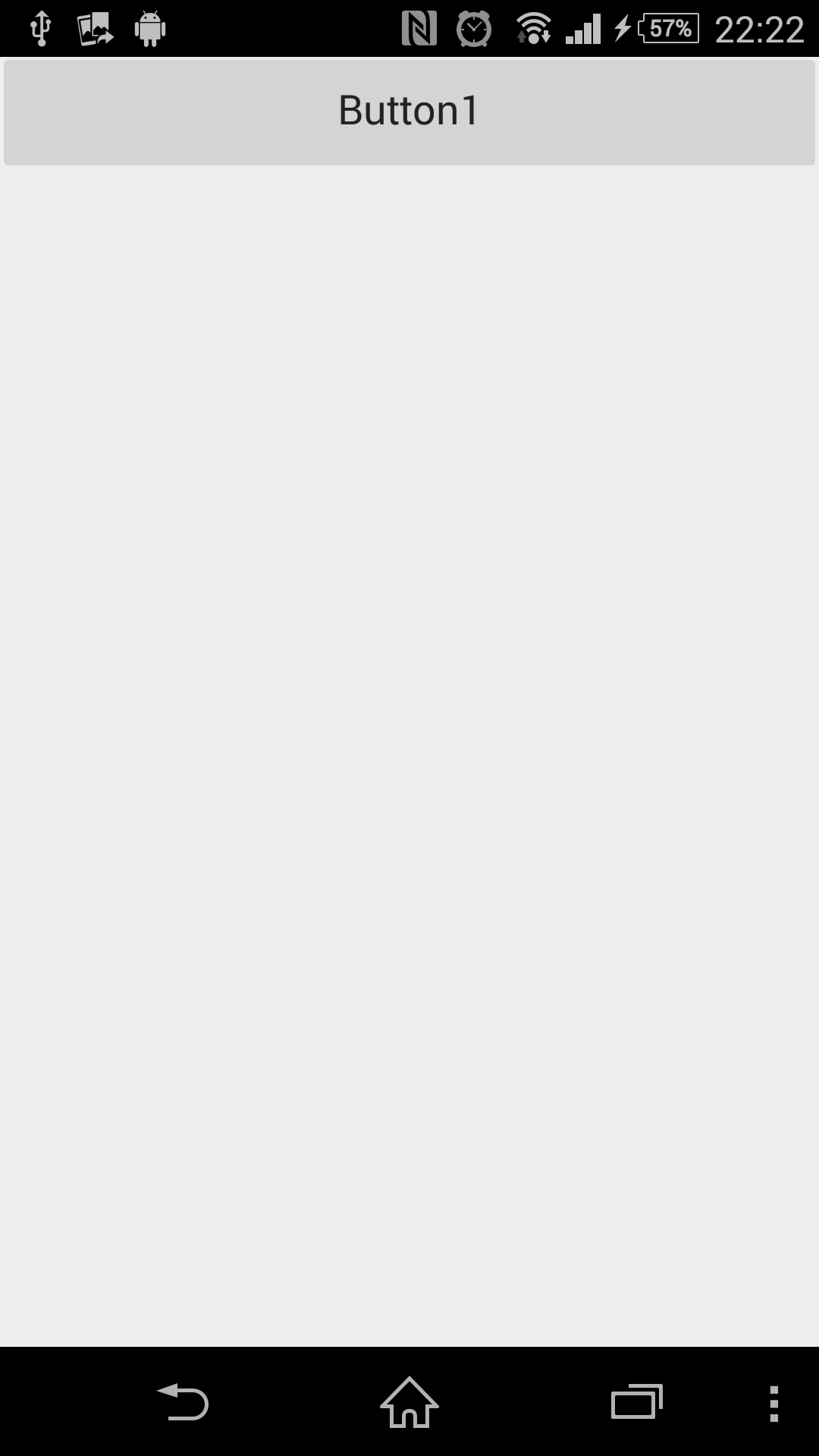
フォームにボタンコンポーネント(TButton)とメモコンポーネント(TMemo)を配置します。

フォームのOnCreateイベントと、ボタンのOnClickイベントを記述します。
#include <fmx.h>
#pragma hdrstop

#include "Unit2.h"
#include <System.IOUtils.hpp>
#include <FMX.Platform.hpp>
//---------------------------------------------------------------------------
#pragma package(smart_init)
#pragma resource "*.fmx"
TForm2 *Form2;
//---------------------------------------------------------------------------
__fastcall TForm2::TForm2(TComponent* Owner)
    : TForm(Owner)
{
}
//---------------------------------------------------------------------------
void __fastcall TForm2::FormCreate(TObject *Sender)
{
  Memo1->Lines->Add("System::Ioutils::TPath::GetLibraryPath="+System::Ioutils::TPath::GetLibraryPath());
  Memo1->Lines->Add("System::Ioutils::TPath::GetDocumentsPath="+System::Ioutils::TPath::GetDocumentsPath());
  Memo1->Lines->Add("System::Ioutils::TPath::GetHomePath="+System::Ioutils::TPath::GetHomePath());
  Memo1->Lines->Add("System::Ioutils::TPath::GetSharedAlarmsPath="+System::Ioutils::TPath::GetSharedAlarmsPath());
  Memo1->Lines->Add("System::Ioutils::TPath::GetPublicPath="+System::Ioutils::TPath::GetPublicPath());
  Memo1->Lines->Add("System::Ioutils::TPath::GetSharedDocumentsPath="+System::Ioutils::TPath::GetSharedDocumentsPath());
  Memo1->Lines->Add("System::Ioutils::TPath::GetDownloadsPath="+System::Ioutils::TPath::GetDownloadsPath());
  Memo1->Lines->Add("System::Ioutils::TPath::GetMoviesPath="+System::Ioutils::TPath::GetMoviesPath());
  Memo1->Lines->Add("System::Ioutils::TPath::GetMusicPath="+System::Ioutils::TPath::GetMusicPath());
  Memo1->Lines->Add("System::Ioutils::TPath::GetPicturesPath="+System::Ioutils::TPath::GetPicturesPath());
  Memo1->Lines->Add("System::Ioutils::TPath::GetRingtonesPath="+System::Ioutils::TPath::GetRingtonesPath());
  Memo1->Lines->Add("System::Ioutils::TPath::GetSharedDownloadsPath="+System::Ioutils::TPath::GetSharedDownloadsPath());
  Memo1->Lines->Add("System::Ioutils::TPath::GetSharedMoviesPath="+System::Ioutils::TPath::GetSharedMoviesPath());
  Memo1->Lines->Add("System::Ioutils::TPath::GetSharedMusicPath="+System::Ioutils::TPath::GetSharedMusicPath());
  Memo1->Lines->Add("System::Ioutils::TPath::GetSharedCameraPath="+System::Ioutils::TPath::GetSharedCameraPath());
  Memo1->Lines->Add("System::Ioutils::TPath::GetSharedPicturesPath="+System::Ioutils::TPath::GetSharedPicturesPath());
  Memo1->Lines->Add("System::Ioutils::TPath::GetSharedRingtonesPath="+System::Ioutils::TPath::GetSharedRingtonesPath());
}
//---------------------------------------------------------------------------
void __fastcall TForm2::Button1Click(TObject *Sender)
{
  Memo1->SelectAll();

  if (TPlatformServices::Current->SupportsPlatformService(__uuidof(IFMXClipboardService)))
  {
    _di_IFMXClipboardService ClipboardService = TPlatformServices::Current->GetPlatformService(__uuidof(IFMXClipboardService));
    ClipboardService->SetClipboard(TValue::From(Memo1->Text));
  }
}
//---------------------------------------------------------------------------